
Hardware Abstraction for STS3215 Servos
Building a ROS 2 Control Hardware Interface for Feetech's STS Servos

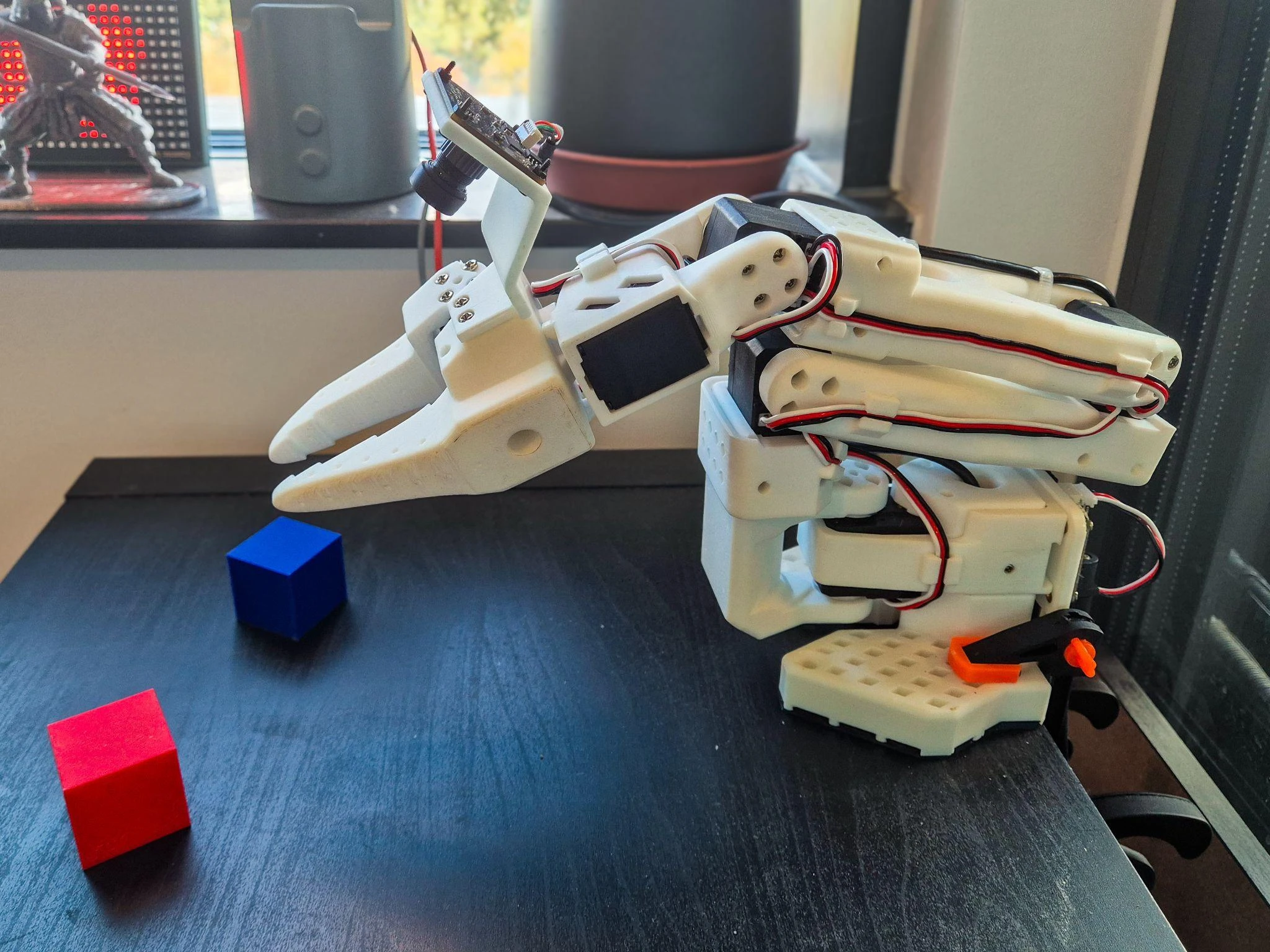
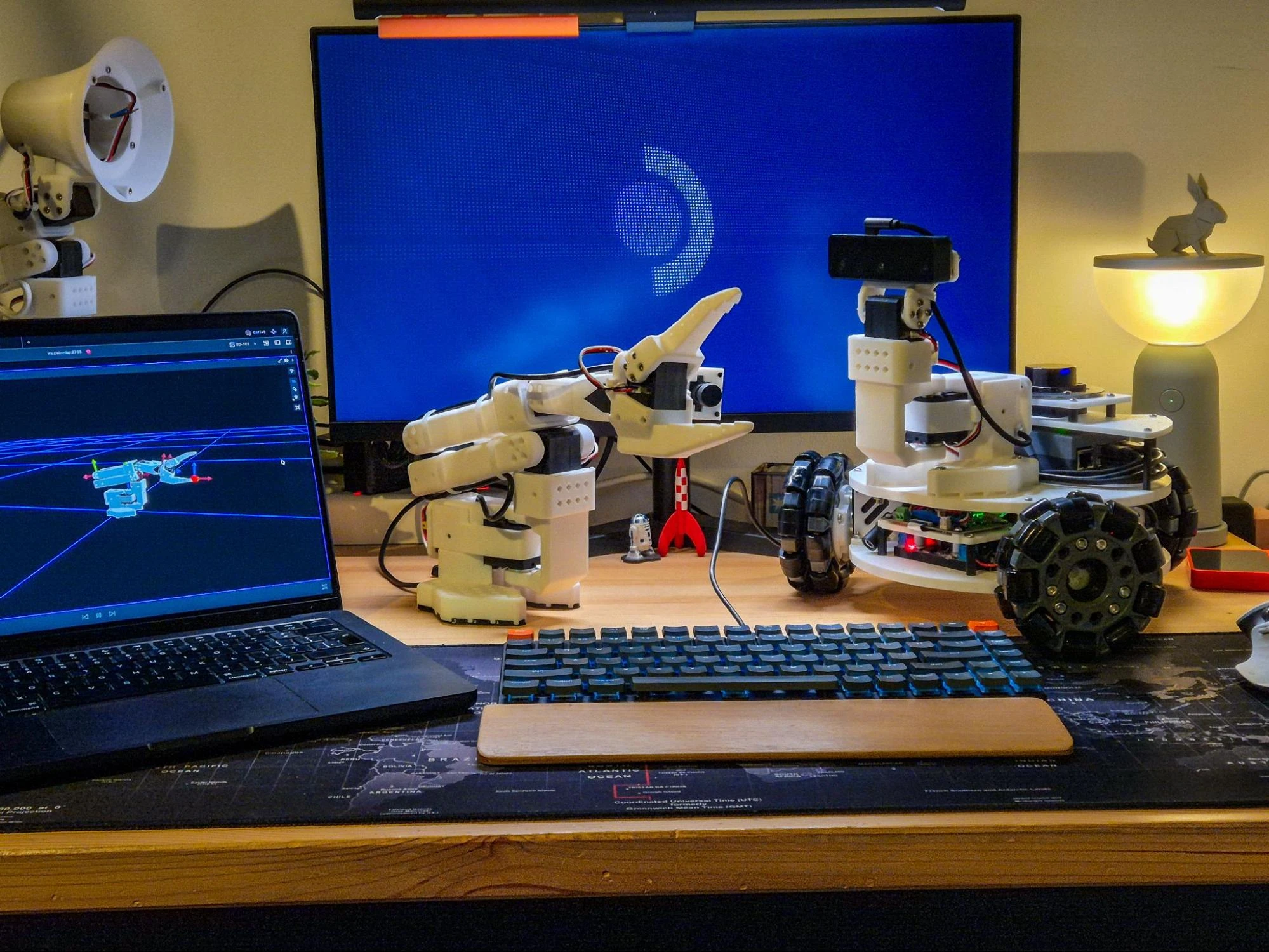
Ever since I got my hands on the LeKiwi, I've been on a mission to transform it into a proper ROS 2 robot. Step one was building the robot and adding a LiDAR for future autonomy. Step two: upgrading the SCServo_Linux SDK, which I’ve documented here. Now comes the real challenge - using ros2_control to implement the controls. The first step to this is building a ros2_control hardware interface for the STS3215 motors, but I decided to make it general-purpose for all STS series servos from Feetech.
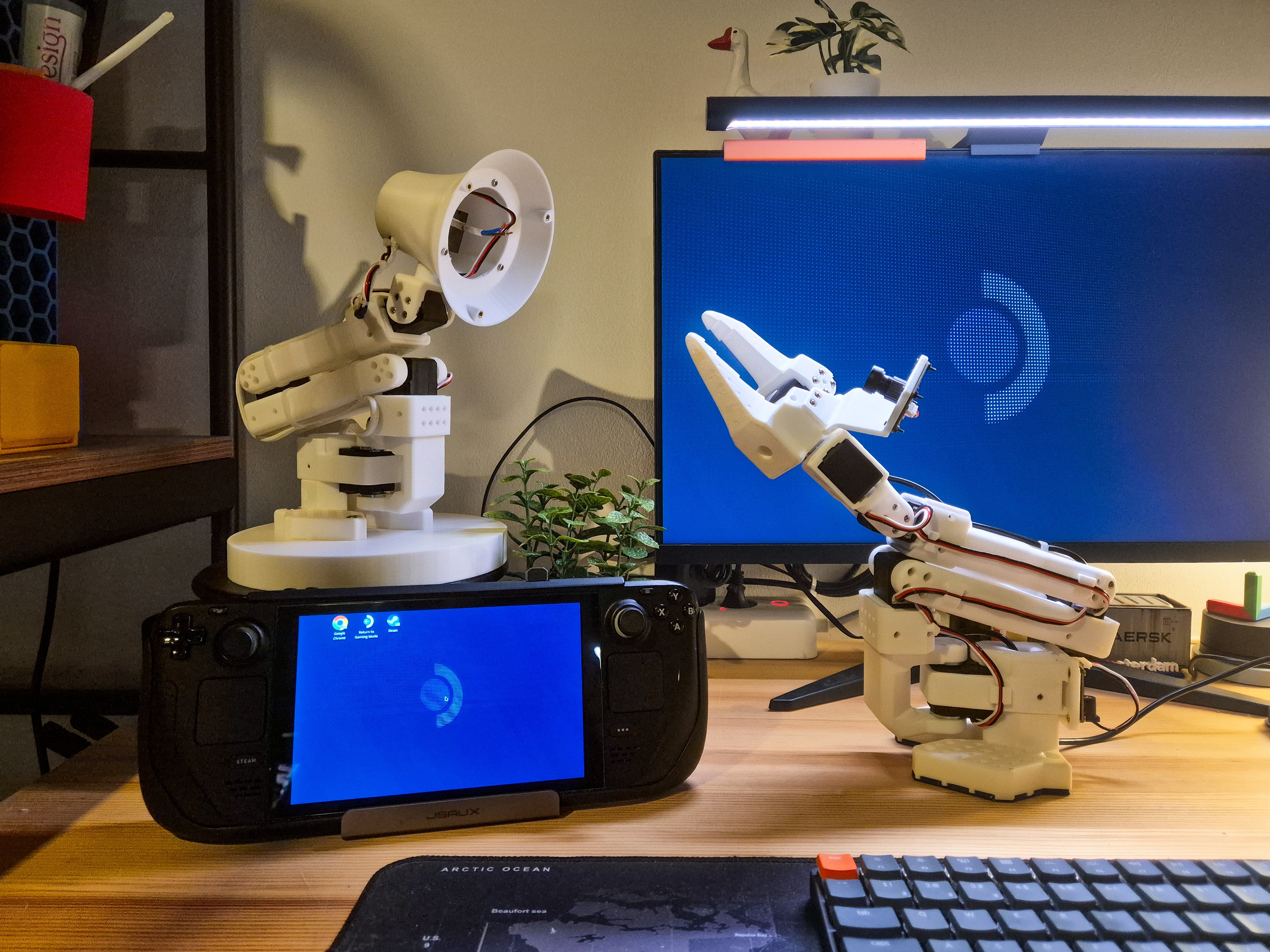
Sure, there are existing implementations out there from other makers, but none are quite aligned with my requirements. I wanted something flexible enough to handle my current omni-wheel setup and the SO-101 arm I'm planning to add, and, of course, all the other projects I plan to make with these motors in the future. So naturally, I built my own.
In this post, I will cover my design and implementation process and the challenges I encountered along the way.
Why ros2_control?
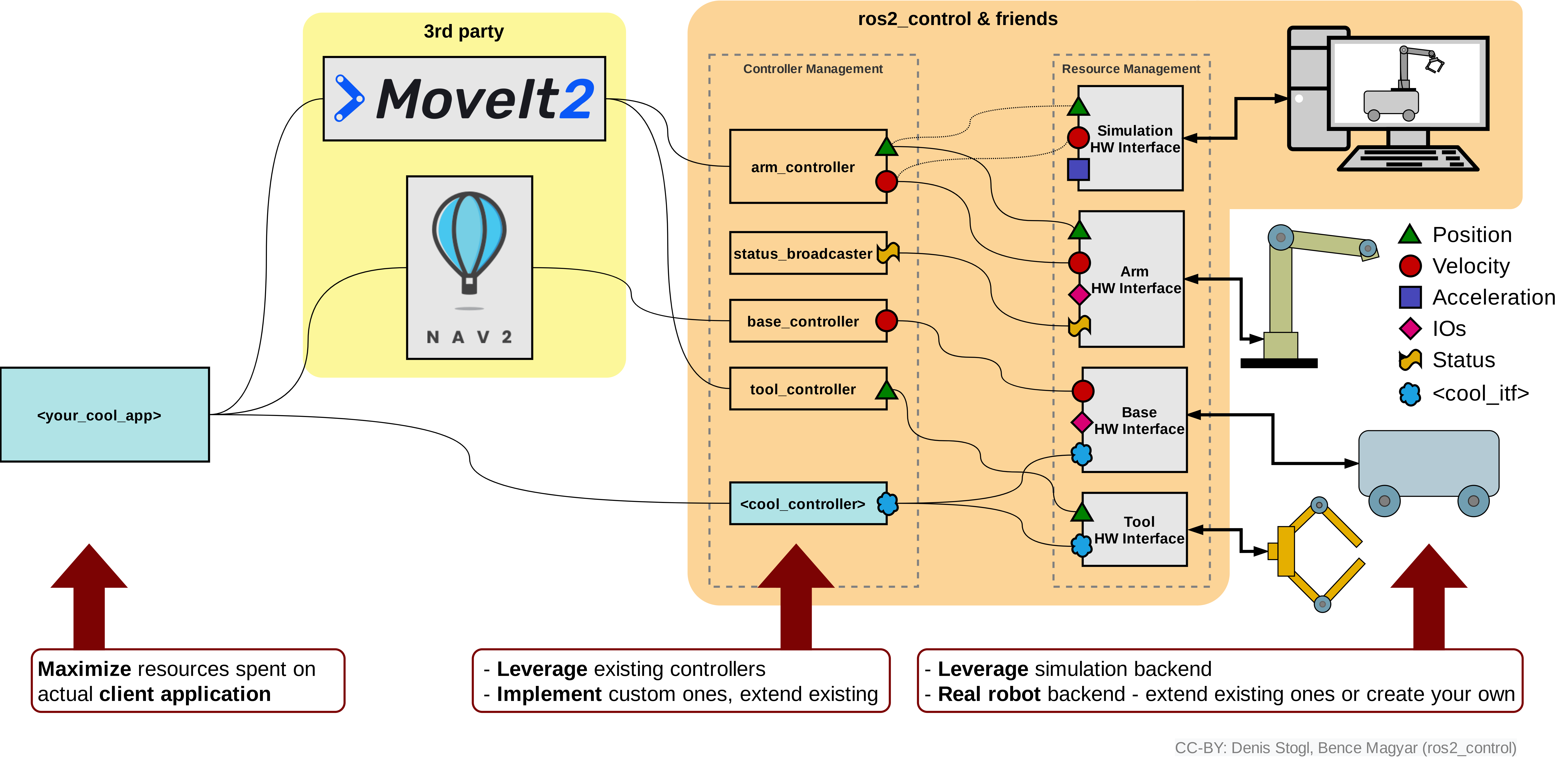
The ros2_control framework provides a plugin-based architecture that cleanly separates hardware from controllers. The idea is simple - write your control logic once, then swap hardware implementations without touching application code. This modular architecture has three main components:
Hardware Interfaces: Talk directly to motors, handling the low-level communication details
Controllers: Implement the control algorithms - PID loops, trajectory tracking, omni-wheel kinematics
Controller Manager: Orchestrates everything, loading and unloading controllers on the fly
Implementation Overview
The hardware interface extends ros2_control's SystemInterface class, which handles lifecycle management and exposes state/command interfaces:
class STSHardwareInterface : public hardware_interface::SystemInterface {
  // Lifecycle: on_init, on_configure, on_activate, on_deactivate, on_cleanup, on_error
  // Core: read(), write()
  // Exports: export_state_interfaces(), export_command_interfaces()
};
Key Design Decisions
Bus-Level Architecture: One Interface to Rule Them All
Most implementations I found were single-motor affairs or locked to specific robot configurations. I needed flexibility - control an entire serial bus with multiple motors, potentially in different operating modes.
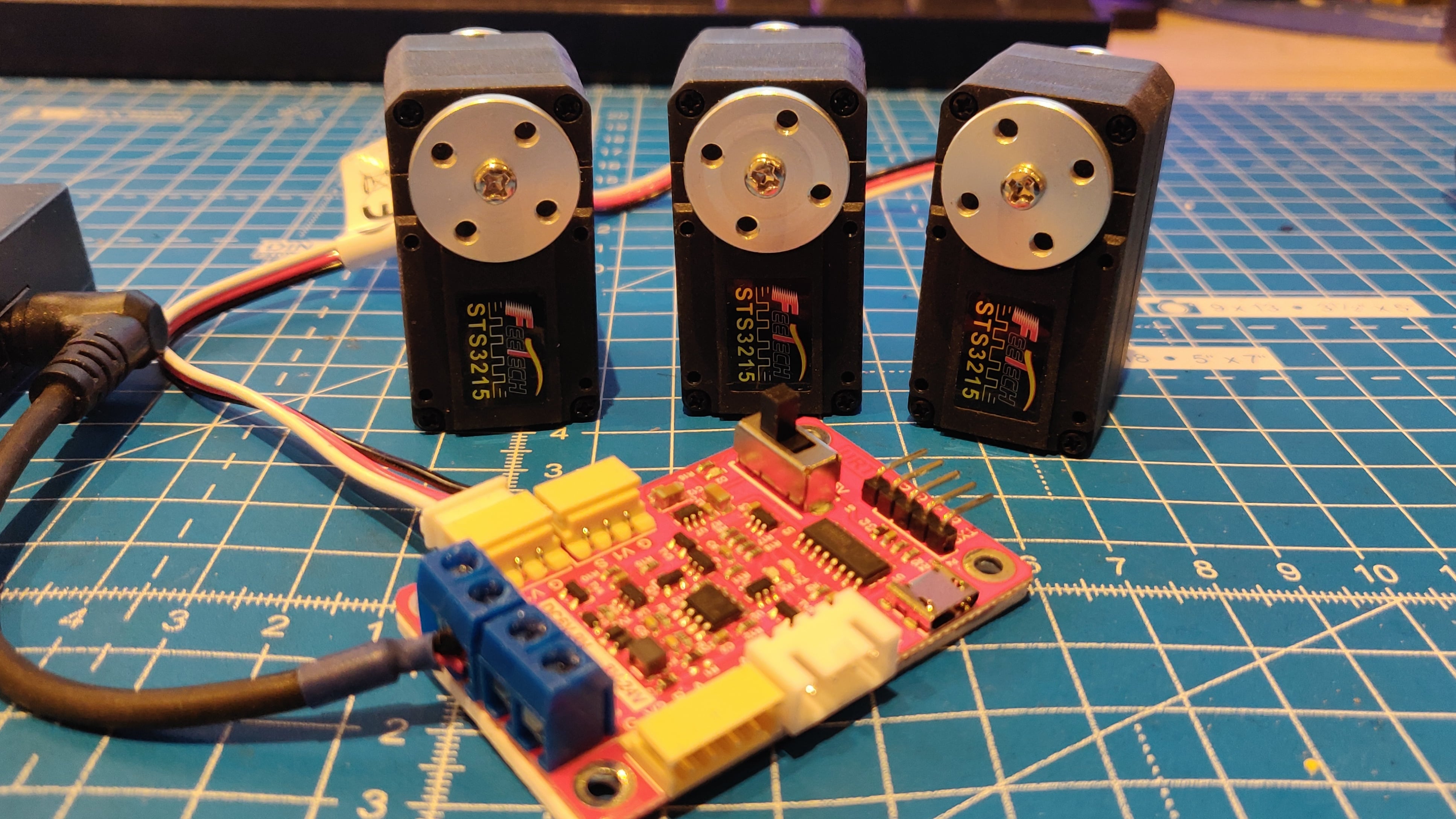
Here's the thing about STS servos: they're daisy-chained on one communication line. Each motor has a unique ID, but they all share the same serial port. With my approach, one plugin handles the entire chain. One motor or ten motors in mixed modes - doesn't matter.
Mixed Operating Modes
Right now, LeKiwi's three omni-wheels run in velocity mode. But when I add the SO-101 arm (it's happening, I promise), I'll need position mode for the joints, all on the same serial bus. The solution: configure each joint's operating mode independently.
// Parse operating_mode (per joint)
if (joint.parameters.count("operating_mode")) {
  try {
    operating_modes_[i] = std::stoi(joint.parameters.at("operating_mode"));
  } catch (const std::exception &) {
    RCLCPP_ERROR(logger_, "Joint '%s': Invalid operating_mode value: '%s' (must be 0, 1, or 2)",
      joint.name.c_str(), joint.parameters.at("operating_mode").c_str());
    return hardware_interface::CallbackReturn::ERROR;
  }
} else {
  // Default to velocity mode if not specified
  operating_modes_[i] = MODE_VELOCITY;
}

// Validate operating mode
if (operating_modes_[i] < MODE_SERVO || operating_modes_[i] > MODE_PWM) {
  RCLCPP_ERROR(logger_, "Joint '%s': Invalid operating_mode: %d (must be 0, 1, or 2)",
    joint.name.c_str(), operating_modes_[i]);
  return hardware_interface::CallbackReturn::ERROR;
}
Efficient Batched Communication
The SCServo_Linux SDK handles the low-level serial communication with the motors. My favourite feature is SyncWrite, which batches commands to multiple motors in a single packet instead of sending them one by one.
But why stop there? During initialization, I pre-compute motor groupings by operating mode and pre-allocate all SyncWrite buffers. All hail Claude for identifying this optimization. This now happens once in on_init(), not every control cycle:
// Pre-compute motor groupings by operating mode (static after init)
for (size_t i = 0; i < num_joints; ++i) {
  switch (operating_modes_[i]) {
    case MODE_SERVO:
      servo_motor_indices_.push_back(i);
      servo_sync_ids_.push_back(static_cast<u8>(motor_ids_[i]));
      break;
    case MODE_VELOCITY:
      velocity_motor_indices_.push_back(i);
      velocity_sync_ids_.push_back(static_cast<u8>(motor_ids_[i]));
      break;
    case MODE_PWM:
      pwm_motor_indices_.push_back(i);
      pwm_sync_ids_.push_back(static_cast<u8>(motor_ids_[i]));
      break;
  }
}

// Pre-allocate SyncWrite data buffers (IDs are fixed, data overwritten each cycle)
servo_sync_positions_.resize(servo_motor_indices_.size());
servo_sync_speeds_.resize(servo_motor_indices_.size());
servo_sync_accelerations_.resize(servo_motor_indices_.size());
velocity_sync_velocities_.resize(velocity_motor_indices_.size());
velocity_sync_accelerations_.resize(velocity_motor_indices_.size());
pwm_sync_pwm_values_.resize(pwm_motor_indices_.size());

RCLCPP_INFO(logger_, "Motor groupings: %zu servo, %zu velocity, %zu PWM",
  servo_motor_indices_.size(), velocity_motor_indices_.size(), pwm_motor_indices_.size());
Interfaces and Unit Conversions
STS motors speak their own language (steps, raw PWM values), while ROS 2 expects proper SI units (radians, rad/s) and standardized coordinate frames (according to REP-103). The hardware interface translates between these worlds:
Position (State/Command) Interface
Motor: 0-4095 steps (one full revolution)
ROS 2: 0-2π radians
static constexpr double STEPS_PER_REVOLUTION = 4096.0;
static constexpr double STEPS_TO_RAD = (2.0 * M_PI) / STEPS_PER_REVOLUTION;

double raw_position_to_radians(int raw_position) const {
  int inverted_raw = STS_MAX_POSITION - raw_position;  // Position inversion
  return static_cast<double>(inverted_raw) * STEPS_TO_RAD;
}
See that inverted_raw line? That's not optional. The motors increment clockwise while ROS increments counterclockwise. I spent an entire Saturday evening watching the motors spin backwards before the lightbulb moment hit.
Velocity (State/Command) Interface
STS3215:
[-max_velocity_steps, max_velocity_steps]steps/sROS 2:
[-max_velocity_steps, max_velocity_steps]* 2π/4096 rad/sNote: The
max_velocity_stepsparameter is configurable per joint and defaults to 3400 steps/s for the STS3215. However, the parameter must be updated for other STS series motors, as they have different max speeds.
Effort/PWM (State/Command) Interface
Motor:
[-1000, 1000](representing -100% to +100% duty cycle, where the sign represents the direction)ROS 2 (command):
[-max_effort, max_effort](max_valuedefaults to 1.0, i.e. 100% duty cycle)ROS 2 (state):
[-1.0, 1.0](normalized measured value, completely independent ofmax_effort)Note: The
max_effortparameter is configurable per joint via URDF. It acts as a safety limiter, restricting the command range without scaling. For example, ifmax_effort = 0.5, commands are limited to[-0.5, 0.5], which maps to PWM[-500, 500].
⚠️ Note: PWM mode is currently untested, either in mock mode or with real hardware. Test thoroughly before using.
Acceleration (Command) Interface
Motor:
[0, 254](protocol constant, each unit apparently representing 100 steps/s² of acceleration)ROS 2: Pass raw values directly - no conversion needed
The hardware interface simply clamps acceleration commands to the valid [0, 254] range. Higher values produce faster acceleration. Set to 0 to disable acceleration limiting (max acceleration).
Additional State Interfaces
The motors also report voltage, current, and temperature. These are straightforward scaling conversions
Voltage:
Raw units × 0.1 = volts(raw 120 = 12.0V)Current:
Raw units × 0.0065 = amperes(raw 100 = 0.65A)Temperature: Direct Celsius value, no conversion needed
The bottom line is that the controllers work in clean SI units (except the PWM and acceleration values, of course) regardless of what chaos is happening at the motor level. The conversions are isolated in the hardware interface where they belong.
ros2_control Lifecycle
ROS 2's managed/lifecycle node system is one of those things that looks quite complex on paper, but just makes sense once you see it work. Instead of cramming all initialization steps into a single massive constructor, you get a clean progression through well-defined states. The ros2_control framework builds on this state machine, mapping each state transition to hardware initialization stages.
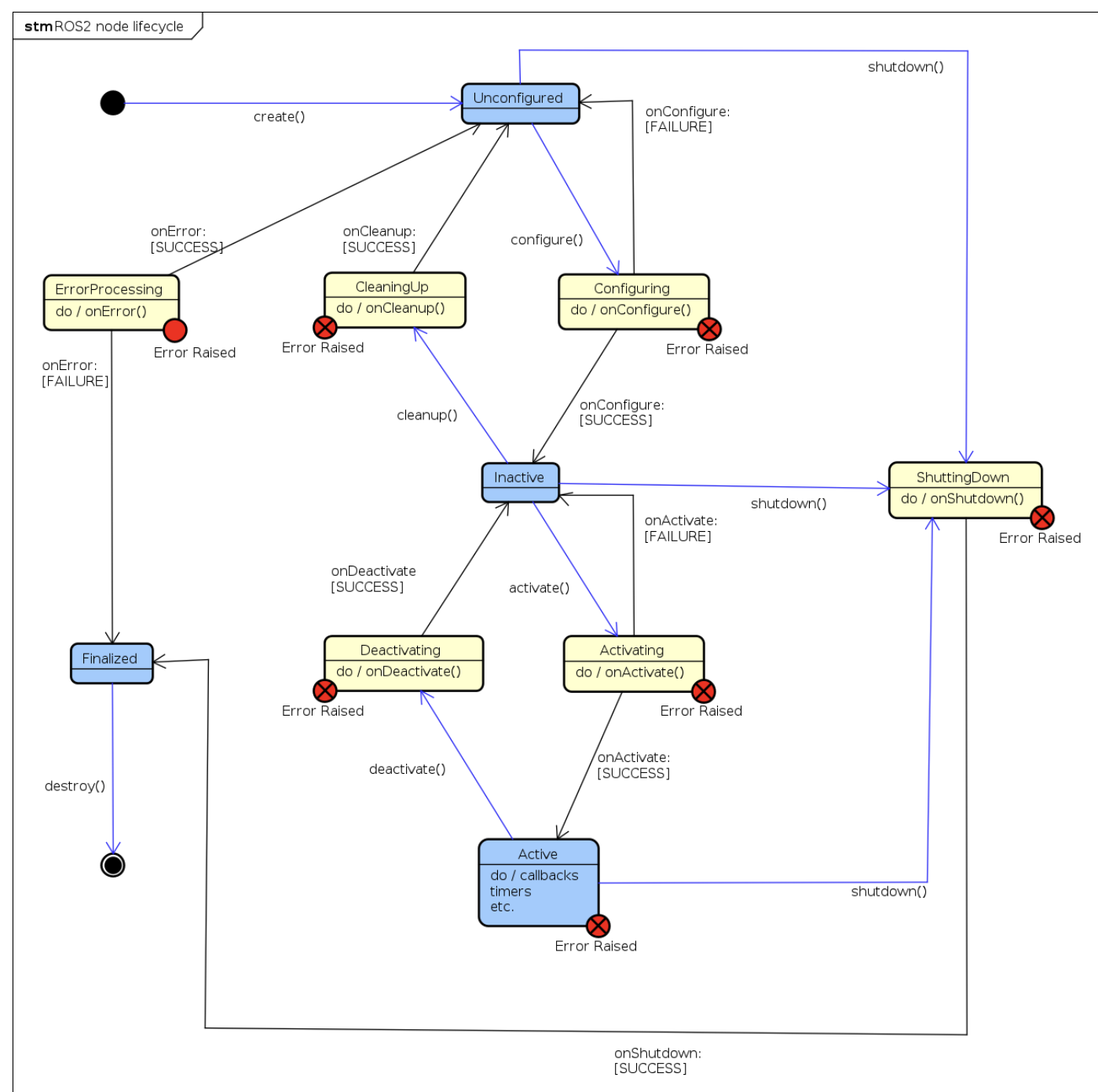
Here's the journey from power-on to motion:
on_init- Here, we parse and validate everything upfront - motor IDs, command interfaces, baud rates, parameter ranges. This is where all the configuration errors are caught, with clear error messages, and not during runtime. The motor groupings and the pre-allocations I mentioned earlier? This happens here as well. All of this before ever touching the hardware.on_configure- This is where we talk to the real hardware. The serial port is opened, and each motor is pinged to verify that it is actually alive and responding.on_activate- Now, we are ready for motion. Each motor is initialized with its correct operating mode, torques are enabled, and crucially, the position and velocity states are zeroed for clean odometry. Skipping this reset will result in the robot teleporting to a random location, which is not fun to debug. This can be disabled by setting thereset_states_on_activateparameter tofalse, but this is for very specific use-cases.on_deactivate- Here, we gracefully shut down the system. All the motors are stopped using mode-appropriate commands, and their torques are disabled. Now, the wheels/joints can safely be moved by hand.on_cleanup- Finally, the serial port is closed, SDK resources are released, and everything is returned to a clean state. The state machine is now ready for another cycle if needed.on_error- During emergencies, like communication errors, all motors are stopped, torques are disabled, and the system transitions into anERRORstate, which means that manual intervention is needed. This is only meant for emergencies, and thankfully, I haven’t faced any yet. This also means that this state is currently untested.
The Read-Write Loop
Every control cycle, controller_manager calls the read() and write() functions. This is where the actual motor communication magic happens.
read()
This function queries each motor, converts raw measurements to standard ROS 2 units, and publishes them for monitoring:
for (size_t i = 0; i < motor_ids_.size(); ++i) {
  if (servo_->FeedBack(motor_ids_[i]) != 1) {
    consecutive_read_errors_++;
    // ... error recovery
  }
  hw_state_position_[i] = raw_position_to_radians(servo_->ReadPos(-1));
  hw_state_velocity_[i] = raw_velocity_to_rad_s(servo_->ReadSpeed(-1));
  // ... other states
}
Data flows from motors → controller_manager → controllers → /joint_states topic.
write()
This function applies limits, converts ROS 2 units to the motor’s units, and sends commands to the serial bus. For motors grouped by operating mode, if SyncWrite is enabled, the pre-allocated buffers are used. Here’s an example of the velocity mode motors:
// Update pre-allocated SyncWrite buffers for velocity mode motors
if (!velocity_motor_indices_.empty() && use_sync_write_ && velocity_motor_indices_.size() > 1) {
  for (size_t j = 0; j < velocity_motor_indices_.size(); ++j) {
    size_t idx = velocity_motor_indices_[j];
    double target_velocity = apply_limit(hw_cmd_velocity_[idx],
                                          -velocity_max_[idx],
                                          velocity_max_[idx],
                                          has_velocity_limits_[idx]);
    velocity_sync_velocities_[j] = rad_s_to_raw_velocity(target_velocity);
    velocity_sync_accelerations_[j] = static_cast<u8>(clamp_acceleration(idx));
  }

  // Send batched command to all velocity mode motors in single packet
  servo_->SyncWriteSpe(
    velocity_sync_ids_.data(), velocity_sync_ids_.size(),
    velocity_sync_velocities_.data(), velocity_sync_accelerations_.data());
}
Commands flow from controllers → enforced safety limits → unit conversion → motors.
Emergency Stop
Ever watch a robot go crazy while you frantically search for the power switch? Yeah, me too. That's why I added an emergency stop into the hardware interface as a first-class feature, not an afterthought.
Another amazing feature of the STS protocol - Broadcast - lets you command all motors at once. One packet controls the entire serial bus without looping through motor IDs, which is perfect for an emergency stop. This can be triggered via a ROS 2 service:
# Stop everything NOW
ros2 service call /emergency_stop std_srvs/srv/SetBool "{data: true}"

# Resume normal operation
ros2 service call /emergency_stop std_srvs/srv/SetBool "{data: false}"
The hardware interface creates a ROS 2 service server (during on_configure()) that accepts std_srvs/SetBool requests. Incoming service calls are processed every read() cycle via spin_some(). On receiving a request, the callback sets the flag, and the next write() cycle broadcasts the stop. The service returns success: true and a confirmation message on both activation and release. Just like in the lifecycle states, when the emergency stop is enabled, all motors are stopped, and their torques are disabled. The torque is enabled when the emergency stop is released.
Mock Mode
I’ll be honest, I don't strictly need mock mode for LeKiwi's omni-wheels. The motors are in wheel mode, with no position limits, so testing on real hardware is pretty safe. I’ve also included a raised platform to make sure that the wheels aren’t touching the floor.
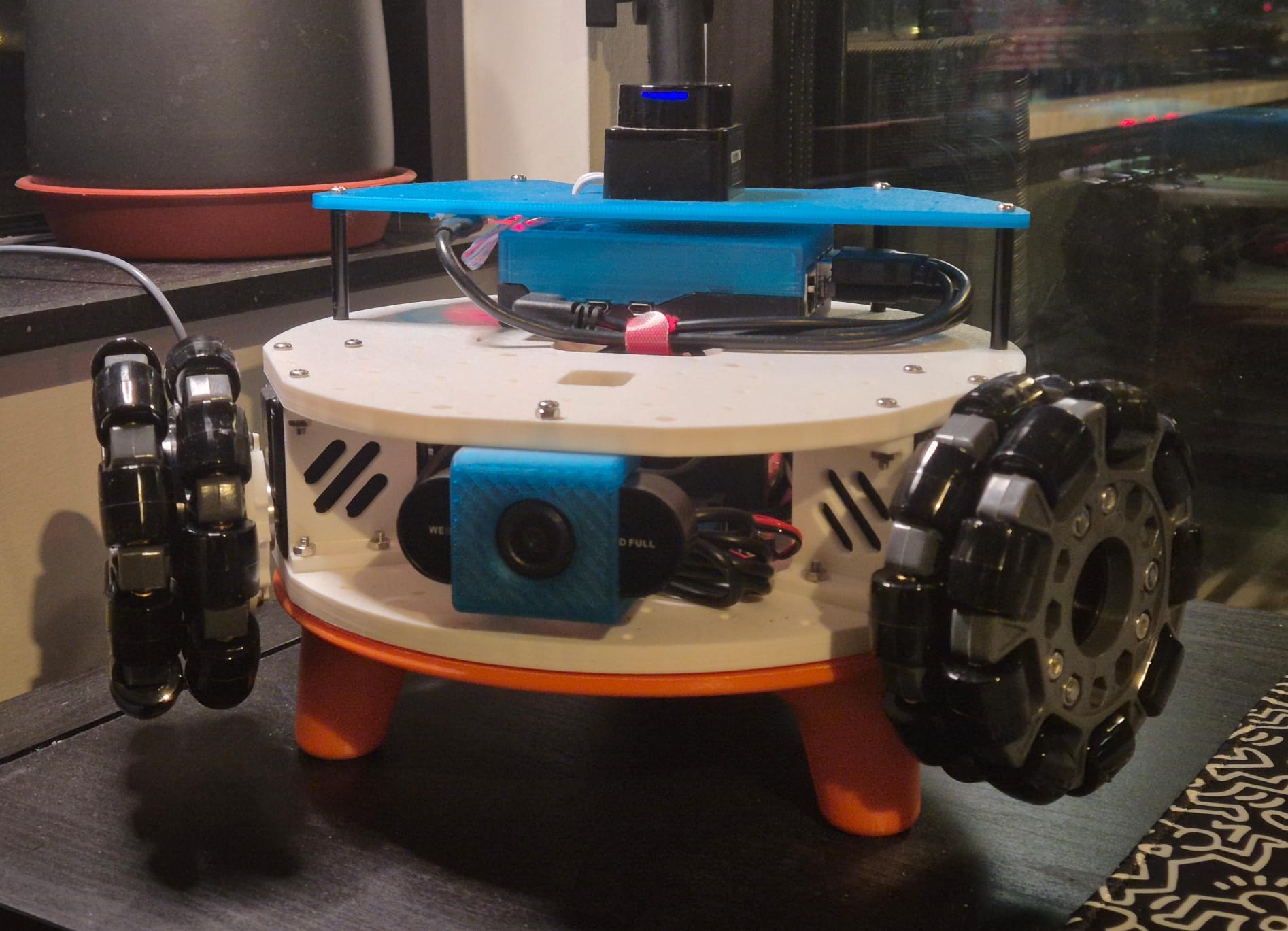
But I implemented it anyway, mainly because of the SO-101 arm that's coming, which has servo joints with hard position limits. Send the wrong command, and you're physically damaging the robot. And since ros2_control offers this feature, why not make use of it?
I can now test test the entire control stack with zero hardware at risk. And I’m mocking not only the command interfaces but also the state interfaces - the voltage drops under load, temperature rises with activity, and the current draw matches the effort. This means that when you monitor /dynamic_joint_states, you see believable numbers instead of zeroes.
Is it a perfect simulation? Absolutely not. But at least it is good enough to catch bugs before it ends up breaking hardware. The mocked emergency stop behavior matches the real hardware as well. The mocked voltage, current, and temperature interfaces are just a fun little addition.
You can enable it in the URDF:
<param name="enable_mock_mode">true</param>
Or via launch arguments (recommended):
ros2 launch sts_hardware_interface single_motor.launch.py use_mock:=true
The payoff? Switching between simulation and real hardware is one parameter flip. Zero code changes needed.
Try it out
If you're running STS servos with ROS 2, the sts_hardware_interface handles the hard parts: unit conversions, mode switching, error recovery, mock simulation. Code lives on my GitHub. Give it a shot.
ros2_control and sts_hardware_interface have been powering my LeKiwi mobile base for a month now. Velocity control for the omni-wheels works perfectly. Position mode for the upcoming SO-101 arm is almost there - it needs some testing and possibly tweaks. PWM mode is implemented but hasn’t been tested. It's probably a little over-engineered, and not a perfect implementation - I've prioritized features I actually need - but it works, and it's a solid baseline for current and future projects.
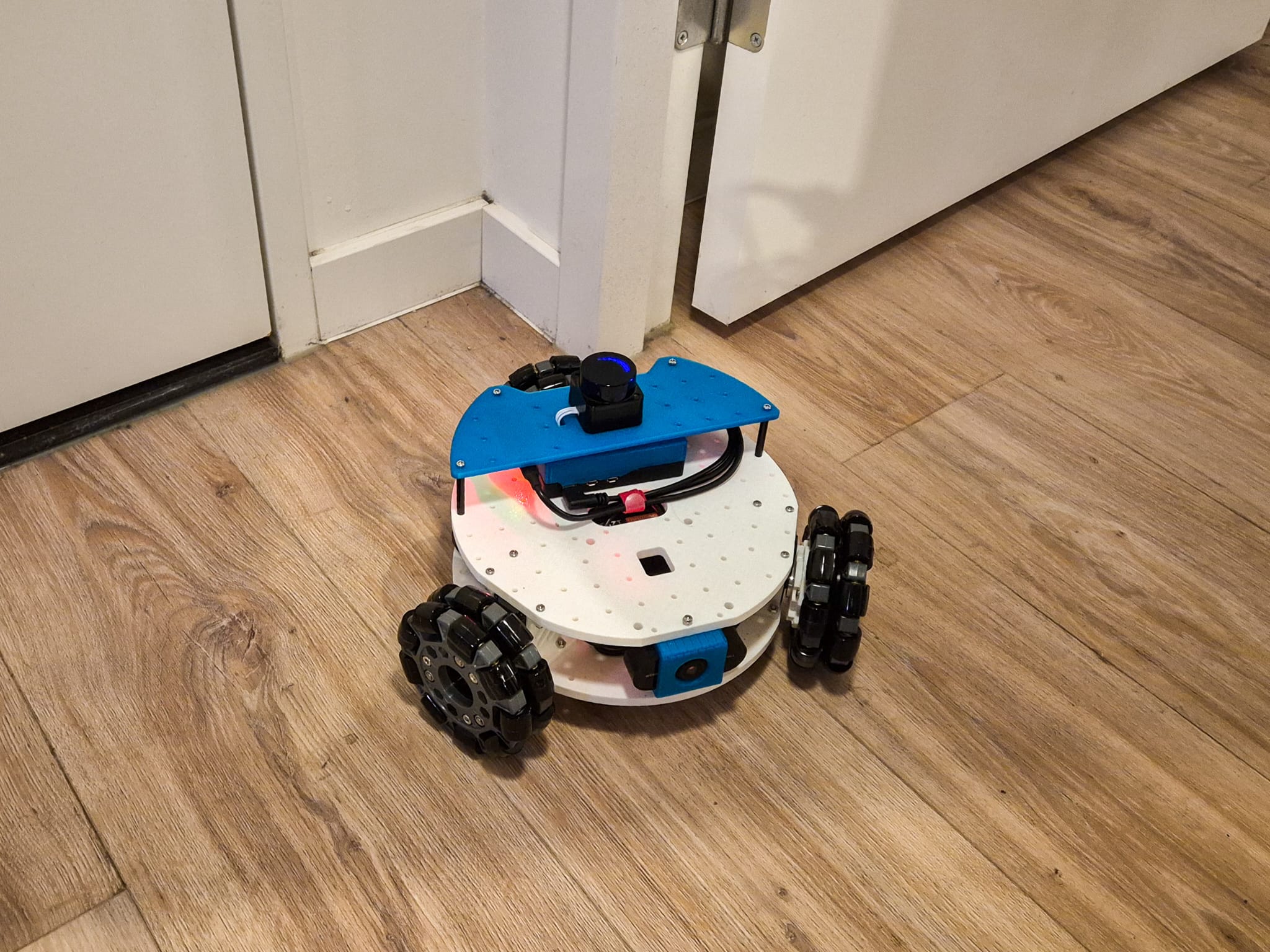
Note that configurations other than the LeKiwi mobile base haven't been tested and won't be for a while. If you give it a shot with different motors or configurations, let me know - feedback is appreciated, contributions even more so.
What’s Next
I’ve already updated the LeKiwi URDF to work with ros2_control and implemented the built-in omni_wheel_drive_controller, which works like a charm out of the box. I’m planning to document it soon, but I promise it won’t be as long as this one, as I didn’t have to write new code. I also need to address some minor tuning issues. This weekend, I intend to calibrate the camera on the LeKiwi, which I must get back to…
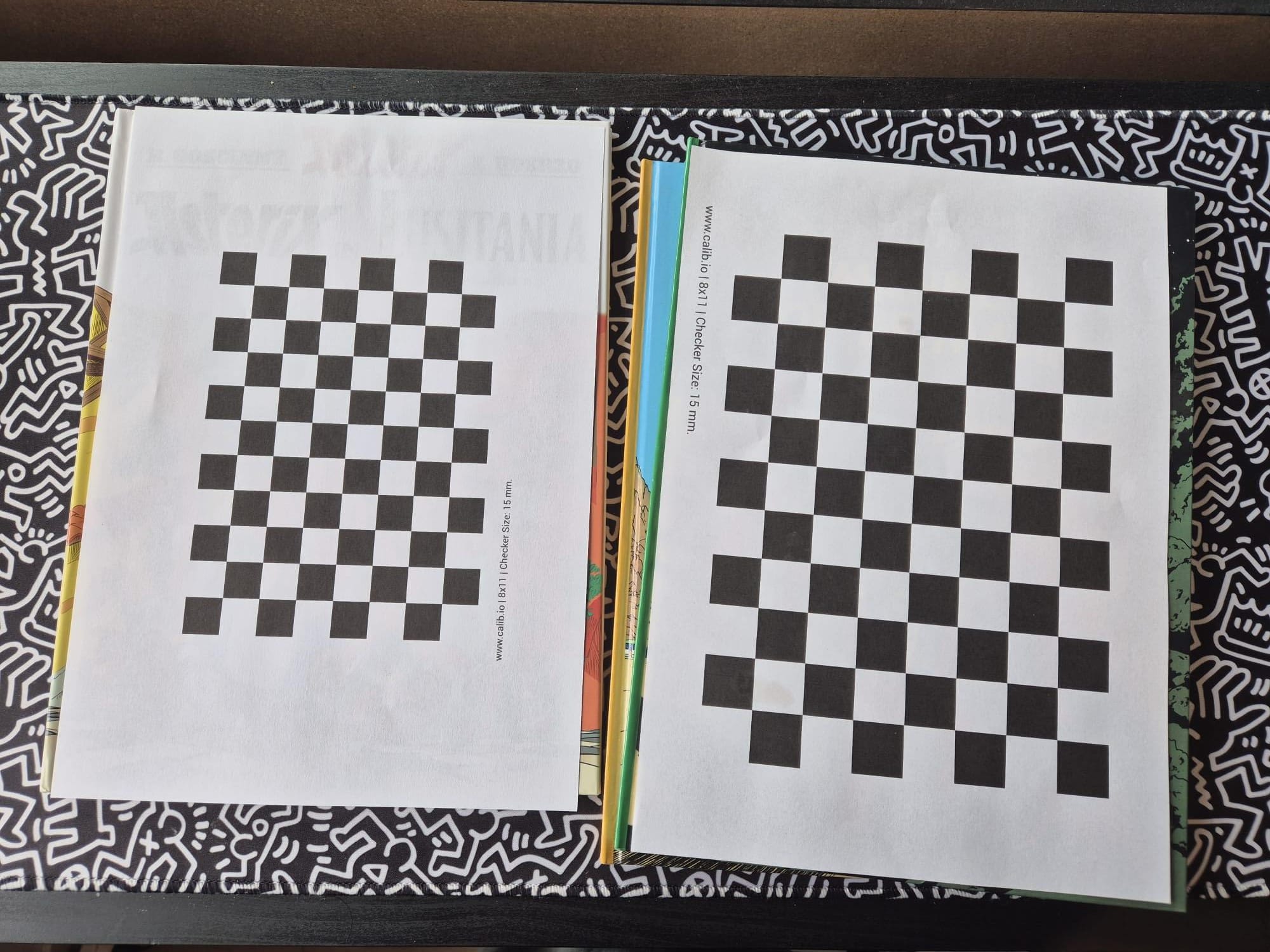
PS: Turns out hardback Asterix/Tintin books are perfect backing for a calibration checkerboard printout 😀
About the author
- Generalist engineer, specializing in robotics, embedded systems, and mechatronics.