
Serial Bus Servo Motors (2025)
Feetech's STS3215 motors + SCServo_Linux SDK
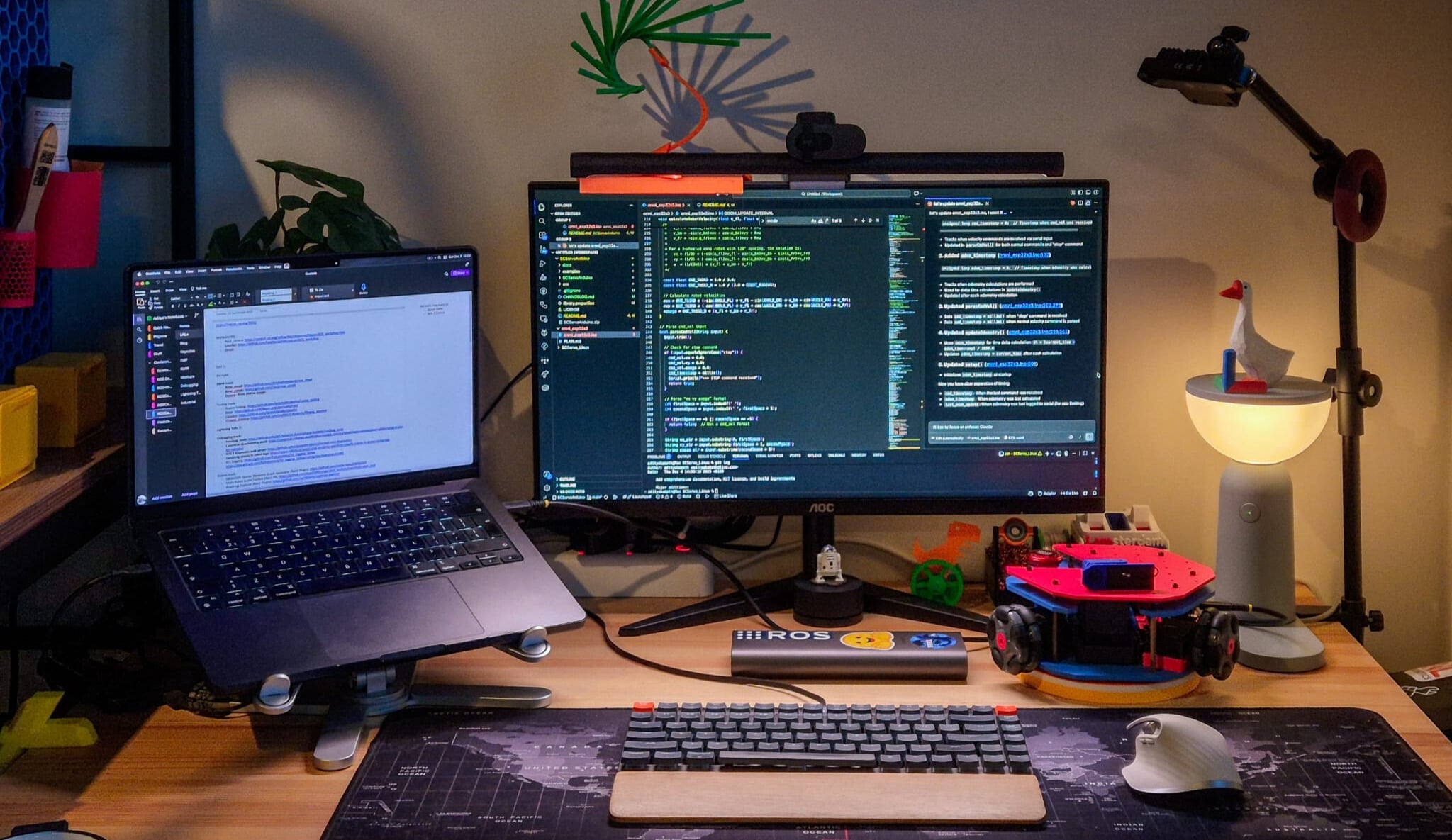
It's been a few years since I last touched SCServo_Linux, my fork of the C++ SDK to control Feetech’s range of serial-bus servo motors, and because of some recently started projects, I finally got around to making some long-overdue improvements. What began as "let me see if this repo still works" turned into a deep dive into eliminating duplicate code and properly documenting a codebase that was mostly in Chinese. So, I decided to document my process in this blog.
The backstory: From 2023 to now
I last wrote about Feetech's STS3215 motors and SCServo_Linux back in June 2023, having purchased them in 2022. These motors have gained significant popularity since then, thanks to projects like LeRobot and the SO-100 (and its successor, the SO-101) robot arm. However, back then, I was unaware of anyone outside Asia using them. The motors had already been out for two years, but documentation was scattered across forums, blogs, and Feetech's website, almost entirely in Chinese. After struggling with translations and mistranslations (thanks, Google Translate), I decided to fix it for myself.

I downloaded the SCServo_Linux (They’ve now renamed it to FTServo_Linux) package from Feetech's Gitee account, translated Chinese comments to English, and tested the features and examples. I documented what worked, what didn't, and any quirks I discovered, adding my own examples along the way. With the three motors that I had and some spare parts, I put together an omni-wheeled robot, which I never got to work on, as I kept returning to my AKROS mecanum-wheeled robot for projects.
https://www.youtube.com/watch?v=ETmZod8SvmI
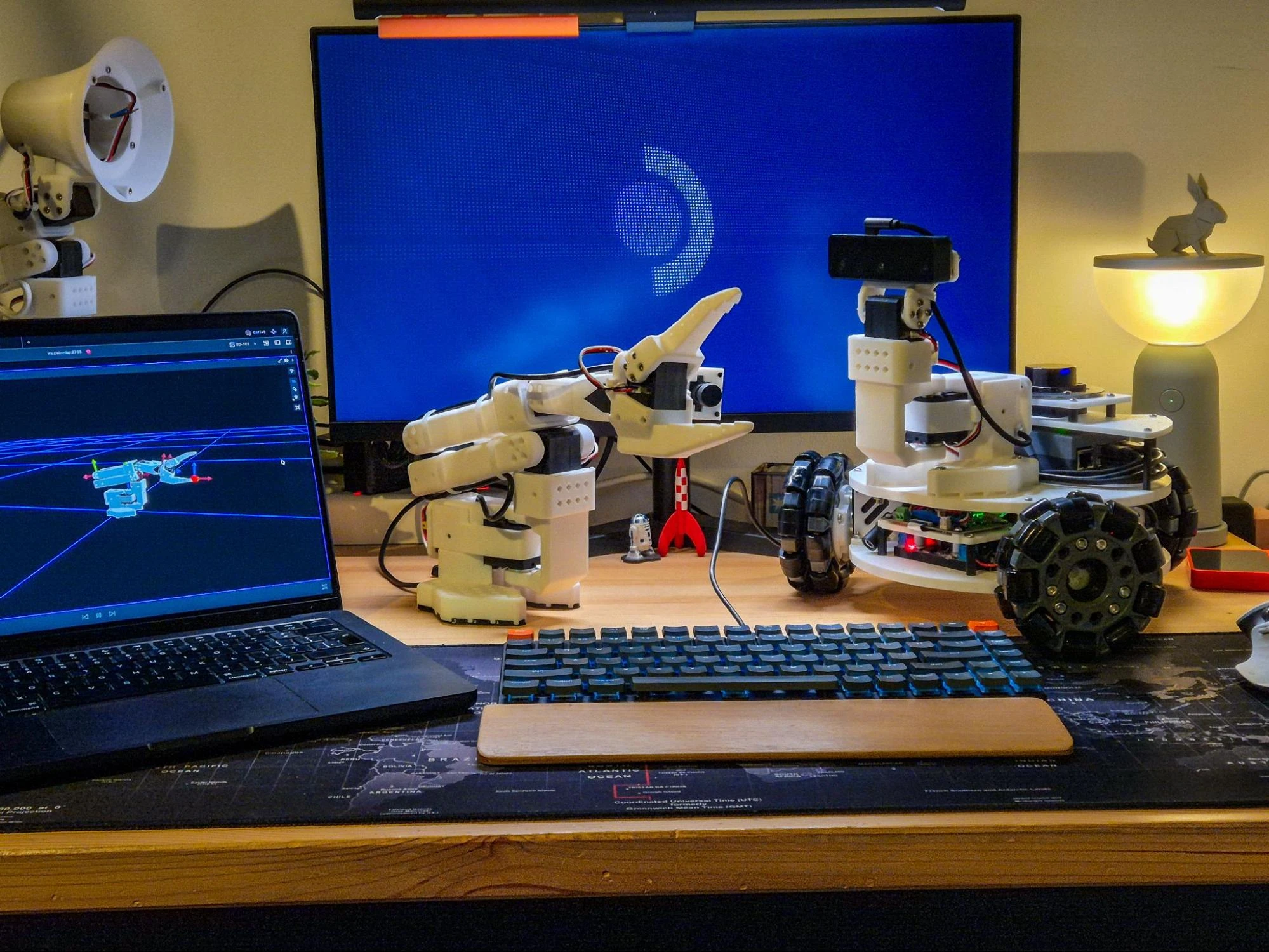
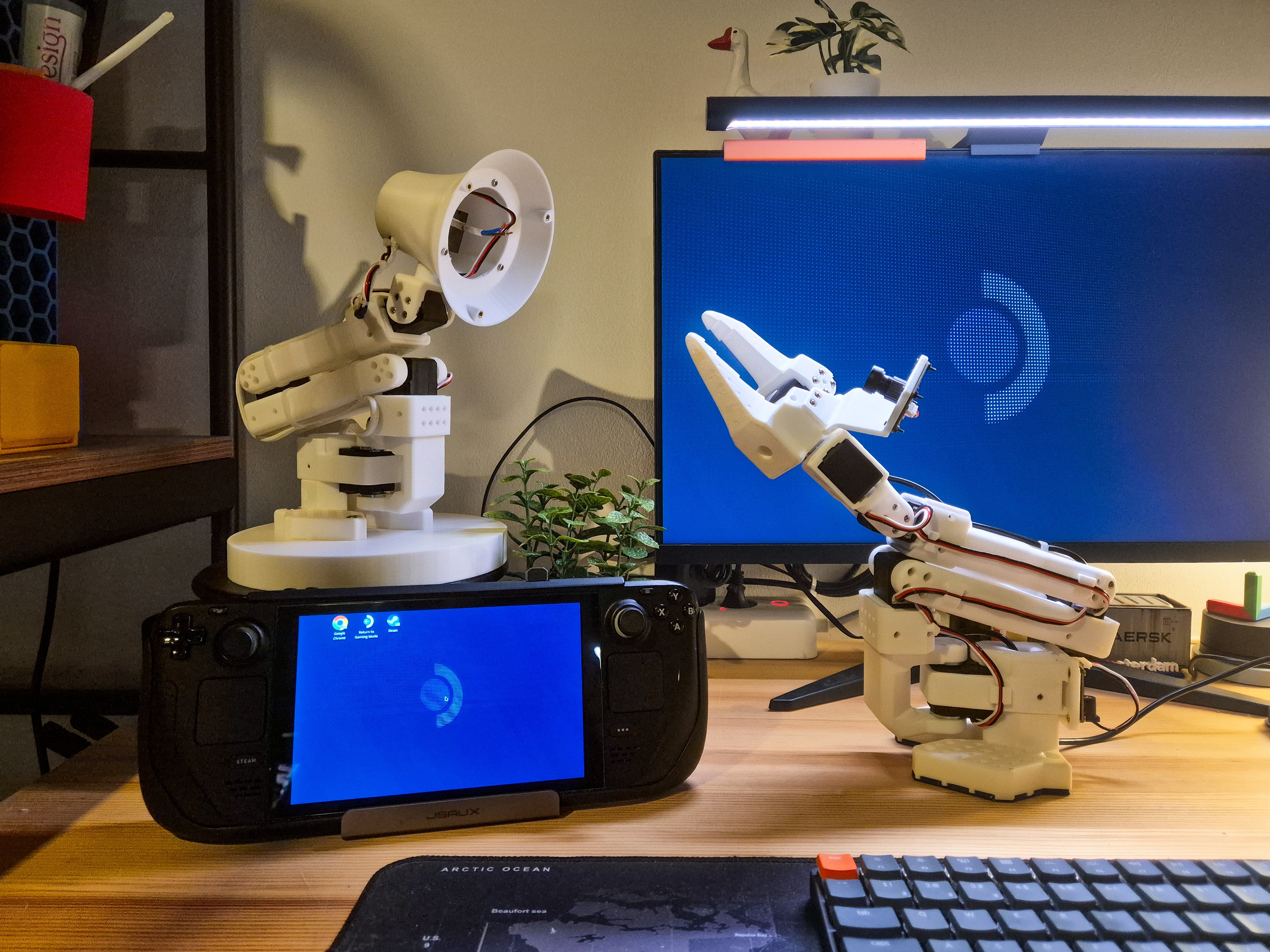
Since then, I've (re)used these STS3215 motors with pan-tilt mechanisms, SO-100 arms, a new omni-wheeled robot design (more about it in future posts), and recently purchased the LeKiwi omni-wheeled platform - bigger and capable of holding an SO-100 on top.
💡 Tip: If you are building your own in Europe, consider buying the LeKiwi kit even if you have a 3D printer. Sourcing the parts individually (especially the wheels) will cost you more than buying the kit directly from a company like SeeedStudio.
After attending this year’s ROSCon, I came away inspired to build with ROS again. After officially retiring my AKROS platform earlier this year, the motivation from ROSCon sessions and conversations on mobile manipulators and ros2_control got me thinking about what comes next. So, I decided to use ROS 2 instead of LeRobot for the LeKiwi.
https://twitter.com/kamathsblog/status/1997688486401556613
This got me working with my old SCServo_Linux repository, and I realized just how much it needed some love. The code worked fine for basic testing, but it needed some cleanup - code enhancements and better documentation.
Understanding Feetech's servo lineup
Before diving into the refactoring work, it's important to understand what these motors are and why they're becoming popular in robotics projects.
Motor types
Feetech is a Chinese company that manufactures various types of serial-bus servo motors, each with distinct communication protocols. I will focus on the STS series in this article, as the STS3215 motors I’m using fall into this category:
⭐️ STS Series - This series uses TTL communication. They're essentially the same hardware as SMS motors, but with an (updated) TTL-based protocol that offers better features and reliability.
What makes the STS3215 particularly interesting for robotics is the combination of features and price point. Each servo includes a full 360-degree magnetic encoder for precise position feedback, closed-loop velocity control, and current sensing - all at a fraction of the cost of comparable alternatives, which cost around \(50-60. You can find STS3215 servos (with metal gears) for \)15-25, depending on the variant. This makes them so much more accessible for hobbyists and researchers building multi-DOF robots, especially where you might need 6-12+ servos.
Recently, the popularity of platforms like the SO arms and LeKiwi has driven demand, and Feetech (along with other manufacturers) has responded with an expanded lineup. This has also made it easier and so much more convenient to buy (I had to wait nearly a month for my first STS3215s to arrive from China). Now there are also multiple STS variants to choose from - different torque ratings, speed specifications, and physical sizes.
💡 One example is the STS3032 motor. Homemade Garbage (a maker who builds some excellent self-balancing robots) has written more about it, and the SCServo Arduino library in his blog post.
Besides the STS series, Feetech also makes several other series of motors, including the SMS, SCS, and HLS series motors, all of which are covered in the SCServo_Linux SDK:
⭐️ SMS Series - Uses RS485 communication. This is the older protocol designed for industrial environments with longer cable runs and better noise immunity.
⭐️ SCS Series - Also uses TTL communication, similar to STS but with different command sets and features.
⭐️ HLS Series - Another motor series similar to the STS series using TTL communication, but includes a Torque control mode instead of an open-loop PWM mode.
While the LeKiwi platform and both the SO arms use STS3215 servos throughout, the SCServo_Linux package supports all four protocols, and I've made the same improvements to all of them
⚠️ Software compatibility: I’ve tested the SCServo_Linux SDK with STS3215 motors only. But there’s no reason it shouldn’t work with other STS motor variants or motors from the other three protocols. Feetech makes a few other series of motors, which I’ve not investigated and are most likely not compatible with the SCServo_Linux package.
⚠️ Bus compatibility: You generally can't mix different motor series on the same serial bus. The STS3215 motors on my LeKiwi and SO-100 arms all use the same protocol and baud rate (1M), so they work together fine. But mixing, say, STS motors with SCS motors on one bus likely won't work - different protocols, different baud rates, different memory maps. Even different STS motor variants (different models, voltage limits on the same bus might cause issues. Incompatibility issues mostly end up with burnt motors or drivers (I’ve experienced this myself), so proceed with caution.
STS3215 operating modes
What makes these STS3215 servos interesting for robotics, besides an excellent build quality, is their flexibility. They can be operated in different modes:
0️⃣ Mode 0: Position Mode - Standard servo behavior. Command a target position (0-4095 steps for roughly 360 degrees), and the servo moves there. You can also control speed and acceleration during the movement. This is the mode used by the SO arms.
https://www.youtube.com/watch?v=Ej6UaO4XC0M
1️⃣ Mode 1: Velocity Mode - The servo acts like a continuous rotation motor with closed-loop feedback. You set a target speed, and it maintains that velocity. This is what I am using in the LeKiwi robot.
https://www.youtube.com/watch?v=btUzb09SpA4
2️⃣ Mode 2: PWM Mode - Direct open-loop torque control. You specify a PWM duty cycle, and the servo applies that much power. This is more responsive but less precise than velocity mode. I haven't used this mode much - I like having the loop closed for precise control.
https://www.youtube.com/watch?v=SaqVMd_az9U
3️⃣ Mode 3: Step Mode - This mode would theoretically emulate a stepper motor, useful for applications that need step-based motion control. While the hardware supports this mode, the SCServo_Linux SDK doesn't have functions for it, so I haven't tested it with the STS3215. I also haven't needed to use this mode before, so I did not dig deeper.
These modes are specifically for the STS series, as other series have slightly different operating modes. For example, HLS series motors do not have mode 3, and mode 2 is a torque control mode instead of PWM. The SCS series motors have only two modes, servo (mode 0) and PWM (mode 1). The SCServo_Linux SDK handles (most of) these modes across all four protocols (SMS, STS, SCS, HLS), which is where issues like code duplication, inconsistent error handling, and the lack of documentation became clear.
The starting point
I didn’t have to fix these issues; the original SDK from Feetech and my 2-year-old fork worked well when I tested it, but I decided to make a (heavily AI-assisted) weekend project out of this.
🚩 Documentation - The original repository had some Chinese comments, but no real documentation. In 2023, I had translated comments on files I had experimented with, but the rest were still in Chinese. The documentation I had added was just bullet points of my personal notes, not very clear.
🚩 Code cleanup - To start with, the original repository was renamed to FTServo_Linux, and a new protocol, HLSCL, was added. There was a lot of duplicate code; several blocks of code were duplicated in tens of places throughout the codebase. For example, the same direction bit encoding/decoding logic was duplicated in nearly 30 places across different files. Also, the error handling was inconsistent.
AI-assisted documentation
First, I wanted to improve the comments in the code, mainly because I wanted to use it to understand the codebase better. The goal was to translate all remaining comments to English and then add doxygen-style documentation to every function, with the help of Claude Code.
I think my AI workflow has become pretty good at these kinds of tasks: I first provided Claude with a lot of context, including the hardware specifications, the protocol details, and the existing code structure. This resulted in pretty useful comments, with a well structured formatted. This allows for AI tools to make reasonably good documentation. Using Claude, I then updated the README.md and created a docs folder with four documents: API.md, ARCHITECTURE.md, TROUBLESHOOTING.md, and EXAMPLES.md.
⚠️ Note: The AI-generated translations and the doxygen-style comments were reviewed in detail and are correct. The docs folder with the four markdown files was created for fun, to see the limitations of AI, and has not been reviewed. For now, these documents have been moved to a separate branch with_ai_docs and carry an “AI-generated” disclaimer.
Improving SCServo_Linux
The updated documentation made it easier to understand what’s happening in the code and to identify issues. There were nearly 300 lines of duplicated code, some buffer management issues during sync write functions, and inconsistent error handling. This refactoring, also with the help of Claude, resulted in three new utility headers:
⚙️ ServoUtils.h: Provides parametrized utility functions to replace nearly 300 lines of duplicated code in 30+ instances.
⚙️ ServoErrors.h: Provides structured error codes and result types for consistent error handling throughout the codebase.
⚙️ SyncWriteBuffer.h: Provides automatic buffer management for sync write operations, eliminating manual allocation/deallocation and preventing memory leaks.
Besides refactoring the source code, I also updated the examples, both the original set provided by Feetech and my own, in a sandbox folder. With the source code and examples cleaned up and the documentation in place, I went back through my workflow to update the documentation to reflect the refactored code.
What I Learned
I understand the debate about AI, and it’s not always reliable, but for a side project I pursue on weekends, it has honestly made my life significantly better. Especially as a mechatronics/robotics engineer, with an interest in software but frustration with the actual software development process, AI tools like Claude Code take away a lot of the burden. And since I work with many open-source projects, it is much more reliable than with proprietary software, as many of these models are already trained on publicly available repositories.
However, I can't just tell Claude what to do and then walk away; it needs to be manually supervised and provided with explicit requirements, technical context, and proper guardrails. Also, all of its work must be manually reviewed - and this does require some effort and subject-matter knowledge. Over the last year, I’ve been refining my process and workflow, and it is proving to be quite reliable in projects like this one. I plan on writing a detailed blog post about this in 2026.
The key is treating AI agents as "coding/refactoring assistants" rather than a "magic translator" - you still need to review and verify. Note that this AI-assisted process works best when there's an existing codebase that simply needs some refactoring and documentation. Having the existing context reduces the risk of hallucinations.
Try it out
The updated SCServo_Linux SDK is on GitHub at adityakamath/SCServo_Linux, and the AI-generated documentation can be found in the with_ai_docs branch.
If you're working with the STS series servos or have an SCS, SMS, or HLS series motor available, please give it a try. If you spot any issues with the translations or the refactored code, please open an issue, and I'll address it when I have the time.
If you want to use this SDK or Feetech’s motor lineup in your product, please get in touch with me via DMs.
⚠️ Try it at your own risk: the majority of this repository is untested since I do not have the correct motors. Even for the STS series, I have only tested it with the 12V and 7.4V STS3215 variant. Proceed with caution when using untested motors.
LeKiwi hardware updates
While working on the software, I also made some hardware changes for the LeKiwi robot. After assembling it a few weeks ago, I ended up switching from the SeeedStudio servo driver board that the kit came with to the Waveshare control board that the original LeKiwi design uses. I had a few Waveshare boards in stock, and it turned out to be a better fit. There were a few major issues with SeeedStudio’s board, about which I will be writing in another post. For now, I'll just say that the Waveshare board is more reliable and easier to work with thanks to its up-to-date documentation.
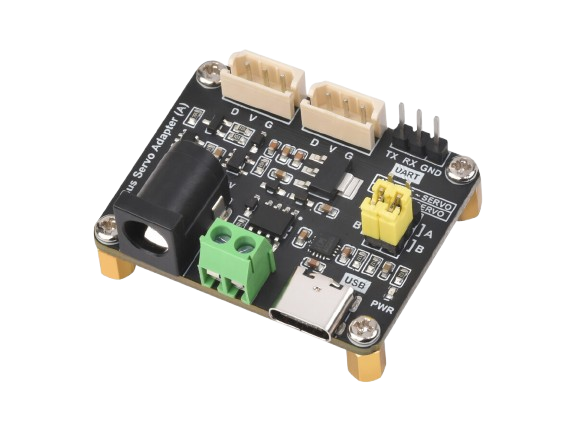
I needed a new bracket for the Waveshare board. Thankfully, the original LeKiwi repository has a 3D model for it. The LeKiwi kit from SeeedStudio came with its own battery and a buck converter, and the build instructions recommended the use of double-sided tape. I didn’t want this, so I 3D printed brackets for these components. I also printed some parts in Bambu Lab’s translucent PLA since I really like the color.
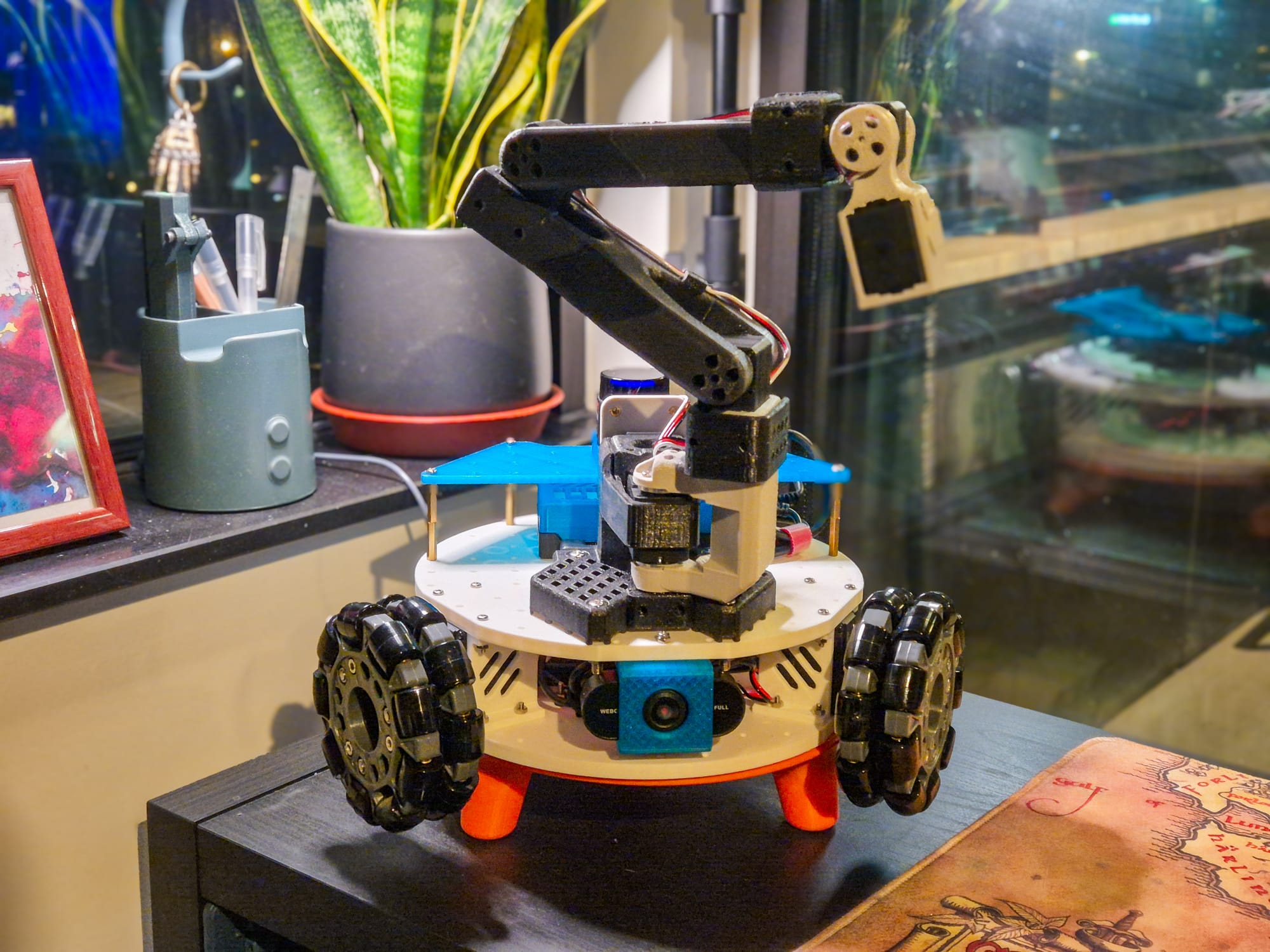
I then attached a 2D LiDAR and a camera, alongside my SO-100 arm (which is missing the gripper mechanism, and I have some ideas for this), and an RPi 5. I am not working on the arm at the moment, so it is only there to look pretty for now.
I first want to develop the motion control software for the base using ROS 2, and integrate the ROS packages for the camera and the LiDAR. I eventually want to integrate it with a navigation stack like Nav2 or EasyNav, but I am also quite interested in embodied AI applications with ROS. I’ve got a lot of time to decide which path to take.
What's Next?
The SCServo_Linux C++ SDK is now in good shape, but there are indeed some improvements that could be made, but I will leave it at that for now. My next focus is on using this SDK to integrate the LeKiwi robot base with ROS 2.
I'm also curious about implementing this project in Rust as a learning exercise. The type safety and memory guarantees could be interesting for embedded servo control. I also have some interesting ideas about web-based interfaces and tooling integration, but those are thoughts for another day.
But first, a short break to relax and celebrate the new year.
See you in 2026!